 Bunship
AI Image Workflow
End-to-end image generation flow from API request to result delivery.
This is the runtime pipeline your users interact with directly when they click "Generate".
Feature Page Screenshot
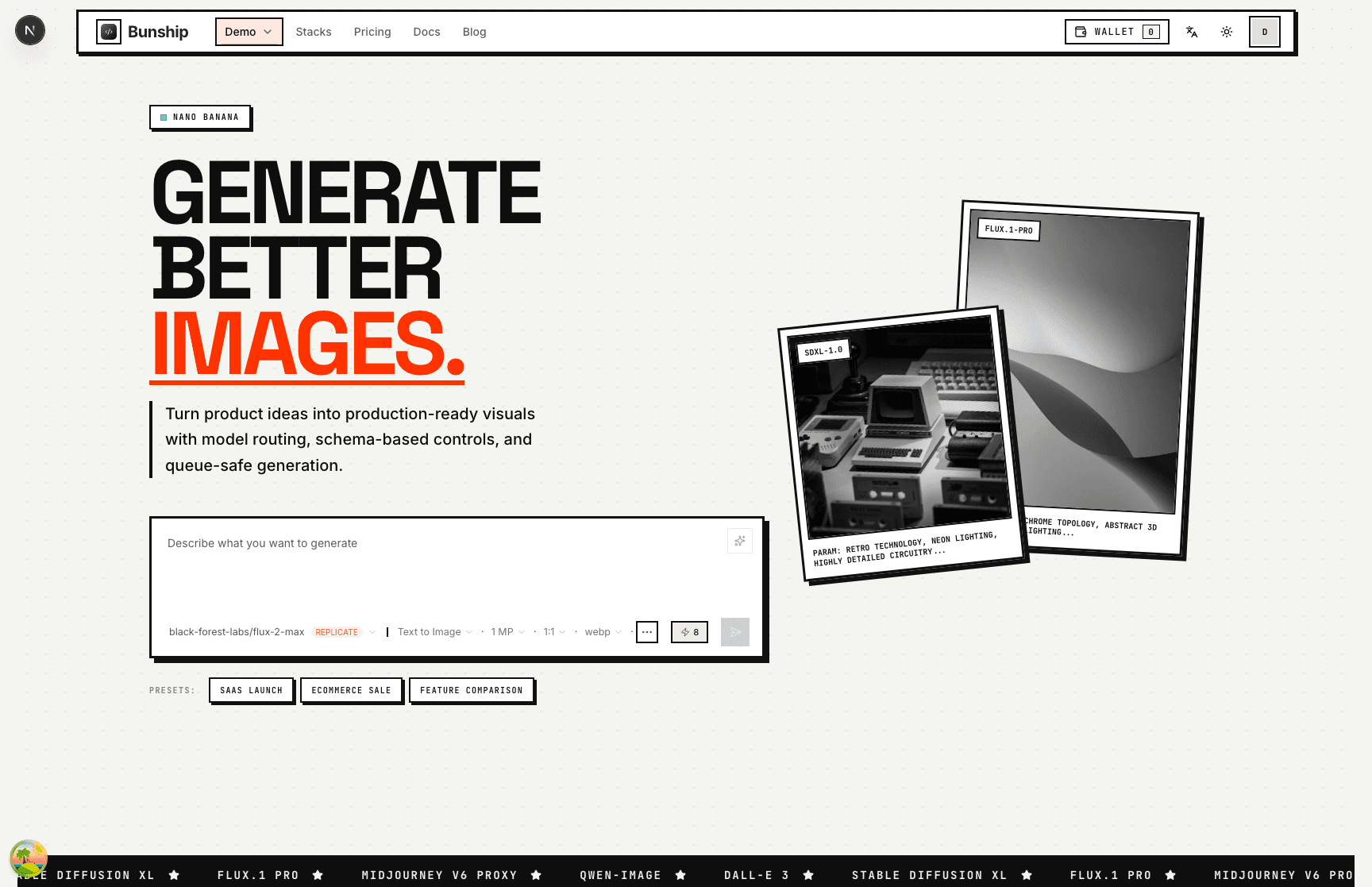
End-to-End Flow in Bunship
- Frontend calls
POST /v1/task-history. - Task is queued via the pluggable task queue (Trigger.dev / BullMQ).
- The adapter dispatches the task to the configured backend.
- Provider returns output, then files are uploaded to object storage.
- Wallet credits are consumed/refunded based on task outcome.
Core APIs
- Create task:
POST /v1/task-history - Query task:
GET /v1/task-history/:taskId - Cancel task:
POST /v1/task-history/:taskId/cancel - Retry task:
POST /v1/task-history/:taskId/retry - User task list:
GET /v1/task-history
Code Map
- Route layer:
apps/ship-api/src/module/ai/generations.ts(prefix:/task-history) - Task queue adapters:
apps/ship-api/src/services/ai/queue/(details) - Shared processor:
apps/ship-api/src/services/ai/queue/processor.ts - Image app page:
apps/ship/src/app/[locale]/(marketing)/ai/image
What Buyers Usually Change
- Default models and prompt presets in UI.
- Timeout/retry/concurrency strategy for your budget.
- Error messages and user-facing task state copy.
- Credit pricing and free-tier limits.
Launch Checklist
- Queue backlog and worker concurrency are monitored.
- Failures trigger refunds/retries as expected.
- Generated files are accessible by valid URLs.
- High-cost model usage is protected with strict limits.