Bunship
Email Service
Production email guide for Bunship: current templates, React Email preview workflow, and Resend setup.
Bunship has already wired emails into auth flows. For launch, your core work is:
- verify Resend sender domain
- configure environment variables
- review and brand existing templates
- run a final end-to-end delivery test
Current Built-In Templates
| Template | Trigger | File |
|---|---|---|
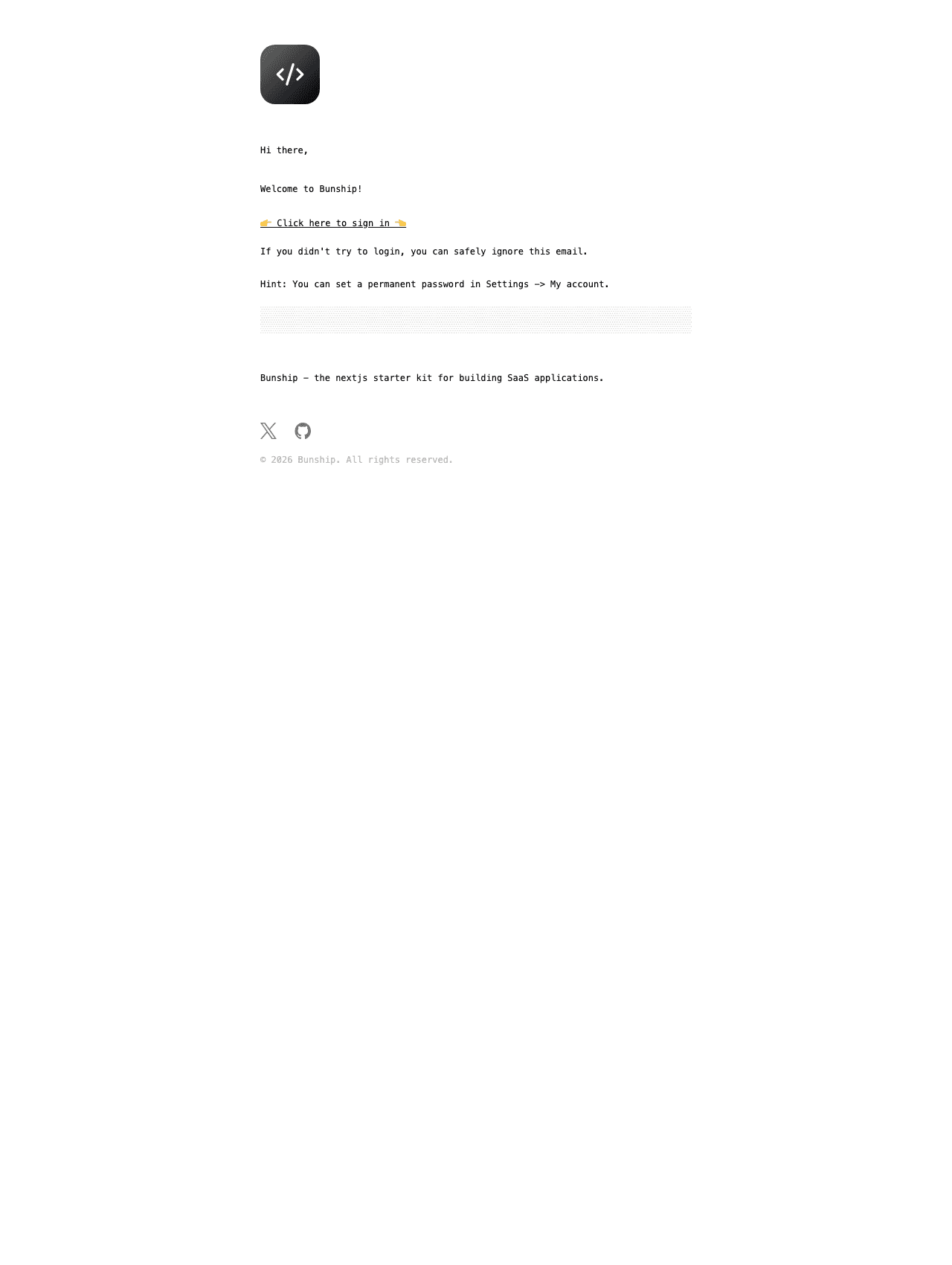
| Verify identity | Email verification / magic-link style login | packages/emails/src/templates/verify-identity.tsx |
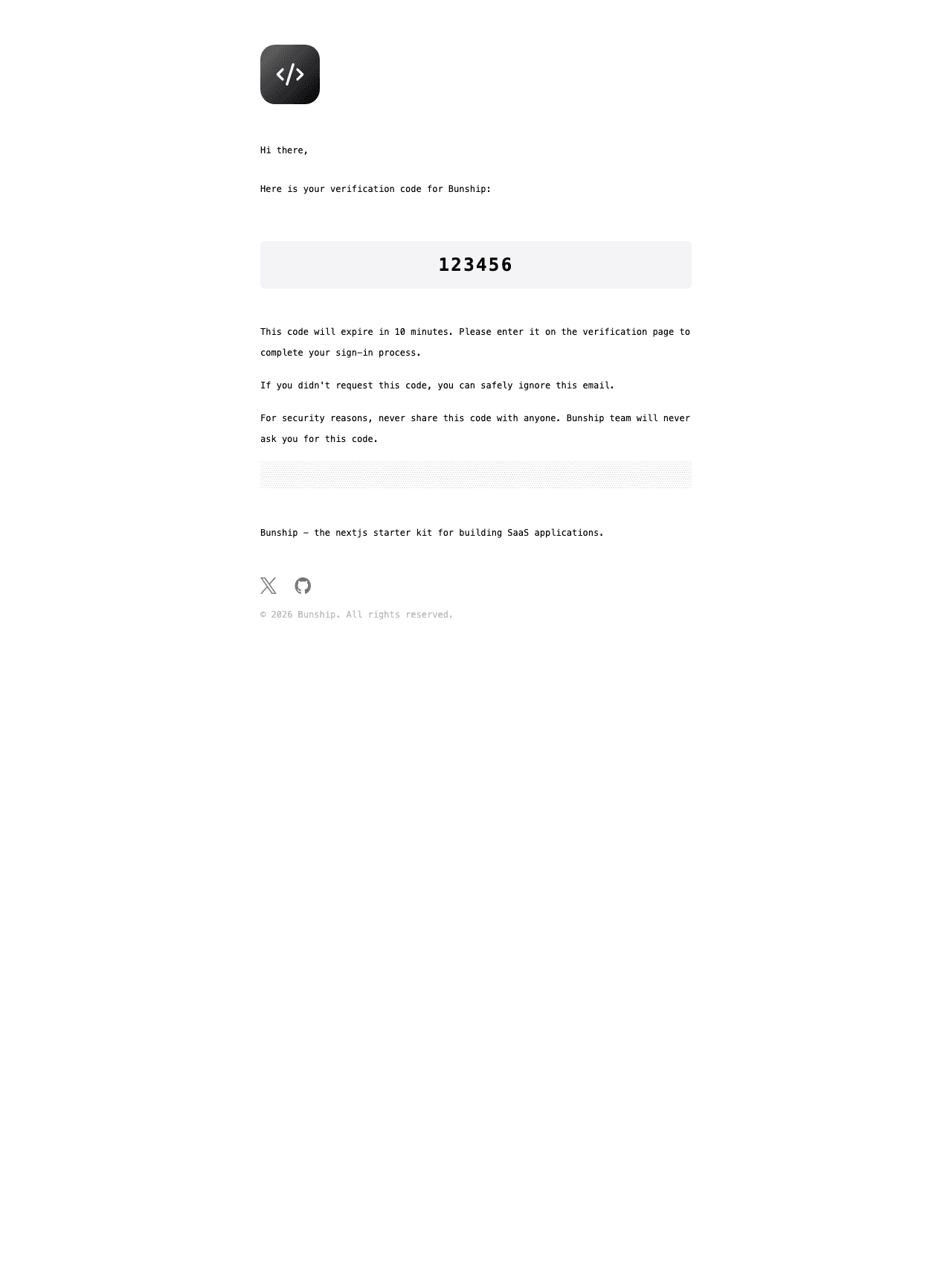
| Request OTP | Two-factor OTP delivery | packages/emails/src/templates/request-send-otp.tsx |
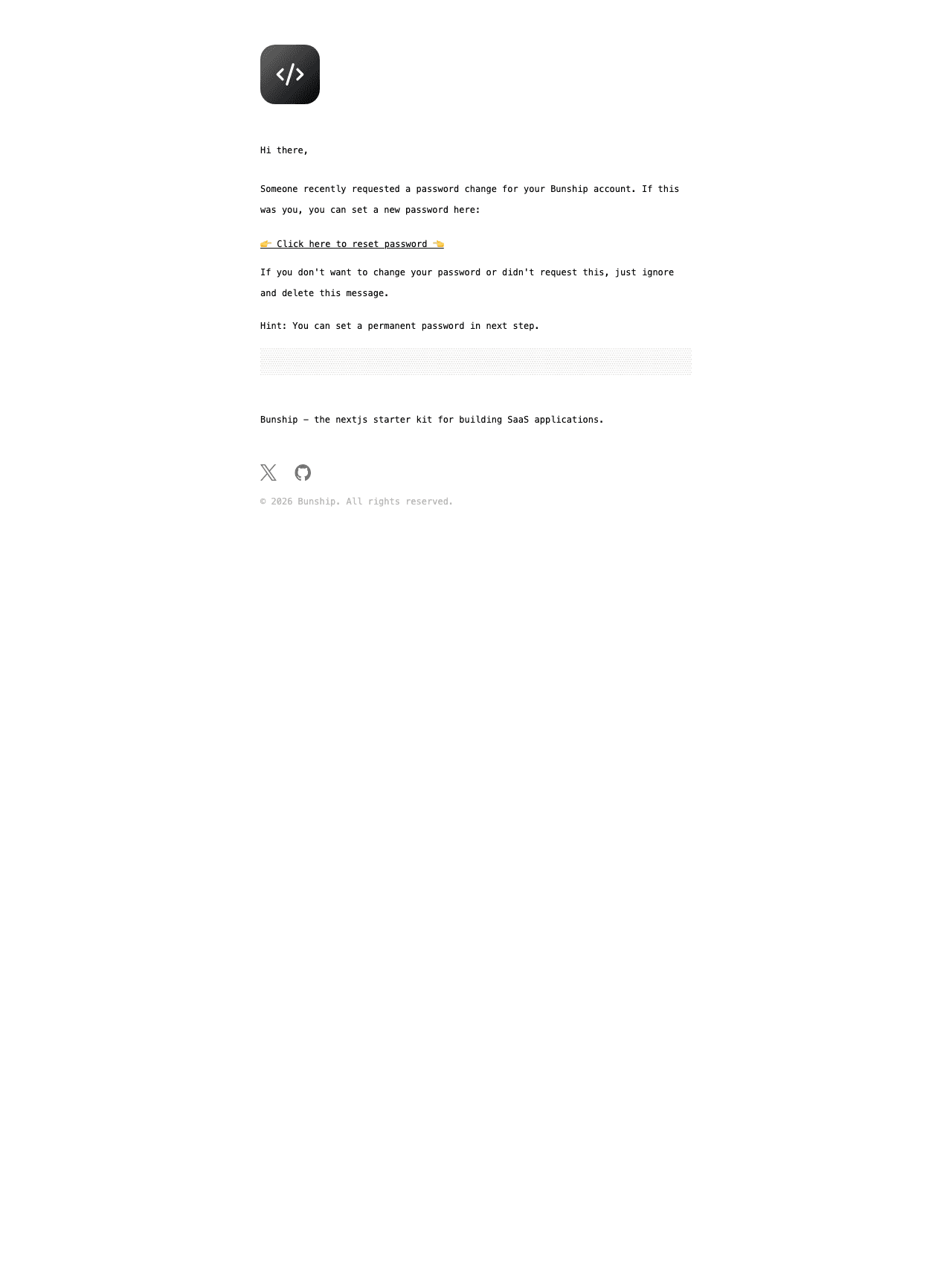
| Reset password | Password reset request | packages/emails/src/templates/request-reset-password.tsx |
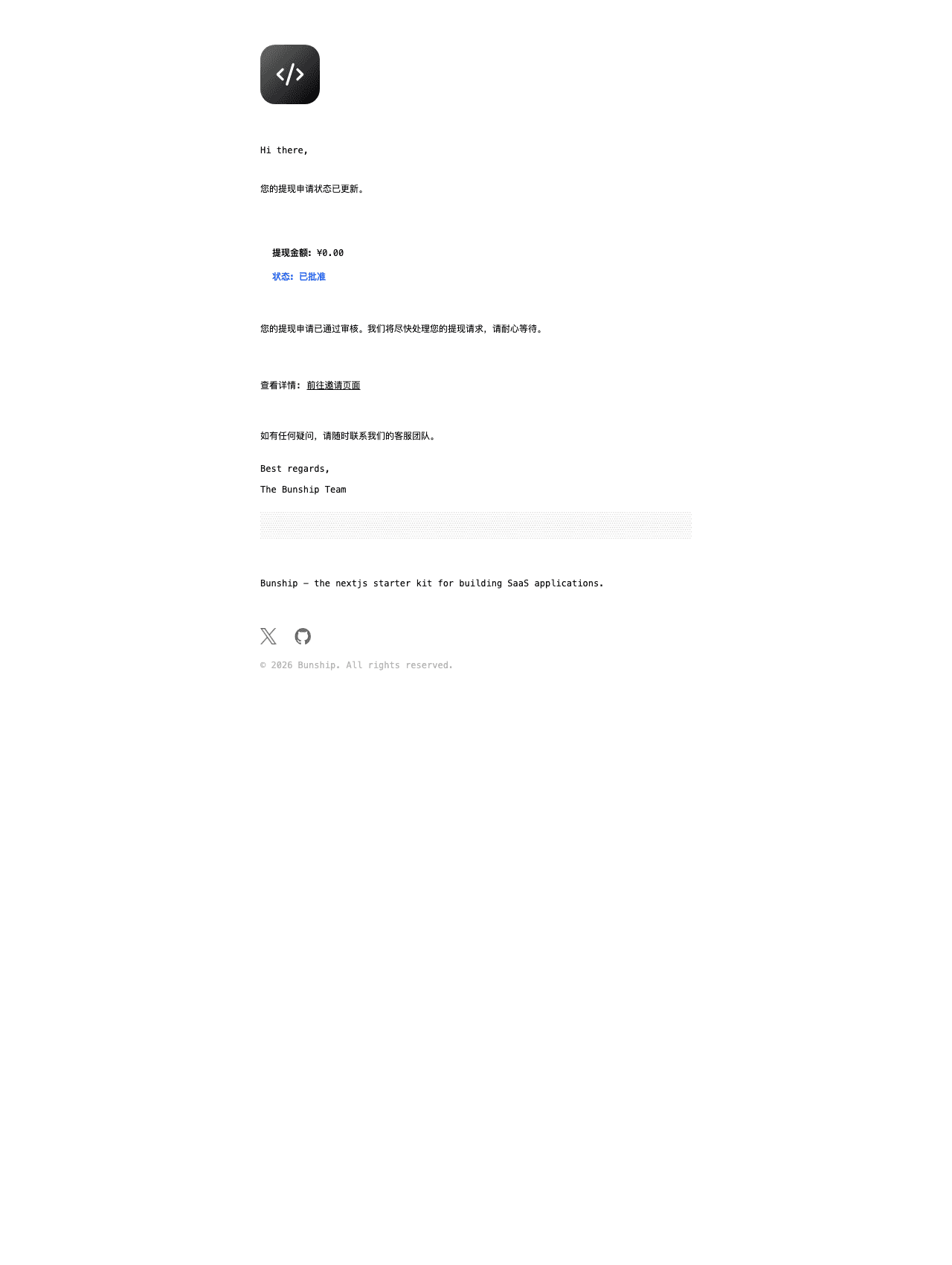
| Withdrawal status changed | Affiliate withdrawal status update | packages/emails/src/templates/withdrawal-status-changed.tsx |
| Feedback status updated | Ticket status update with reply title and feedback content | packages/emails/src/templates/feedback-status-updated.tsx |
feedback-status-updated supports inserting replyTitle and feedbackContent (and optional replyContent) directly into the email body.
Preview and Export Templates (React Email)
You can now preview and export templates directly from packages/emails.
cd packages/emails
bun run preview
Available scripts:
bun run preview: local preview dev server (:3333)bun run preview:build: build preview appbun run preview:start: start built preview appbun run preview:export: export static HTML templates topackages/emails/out
Resend Configuration
1. Verify sender domain in Resend
In the Resend dashboard, add your sending domain and finish DNS setup:
- SPF
- DKIM
- (recommended) DMARC
2. Configure environment variables
RESEND_API_KEY="re_xxx"
EMAIL_FROM="Bunship <noreply@mail.yourdomain.com>"
SITE_URL="https://yourdomain.com"
EMAIL_FROM must use the verified sender domain.
3. Validate auth email flow
- Sign up and verify email
- Trigger reset password
- Trigger OTP login (if enabled)
- Confirm links and language are correct in both EN and ZH
Launch Checklist
- Sender domain is fully verified in Resend.
EMAIL_FROMuses your production domain.- Auth links in email point to production URLs.
- Templates are updated with your brand/support links.
- Delivery, spam rate, and failure logs are monitored.
Current Template Screenshots
The screenshots below are generated from exported React Email templates.