 Bunship
Admin Console
Operational cockpit for customer support, billing review, wallet control, AI governance, and CMS.
If you run a SaaS product, this is where your team spends time every day after launch.
Feature Page Screenshot
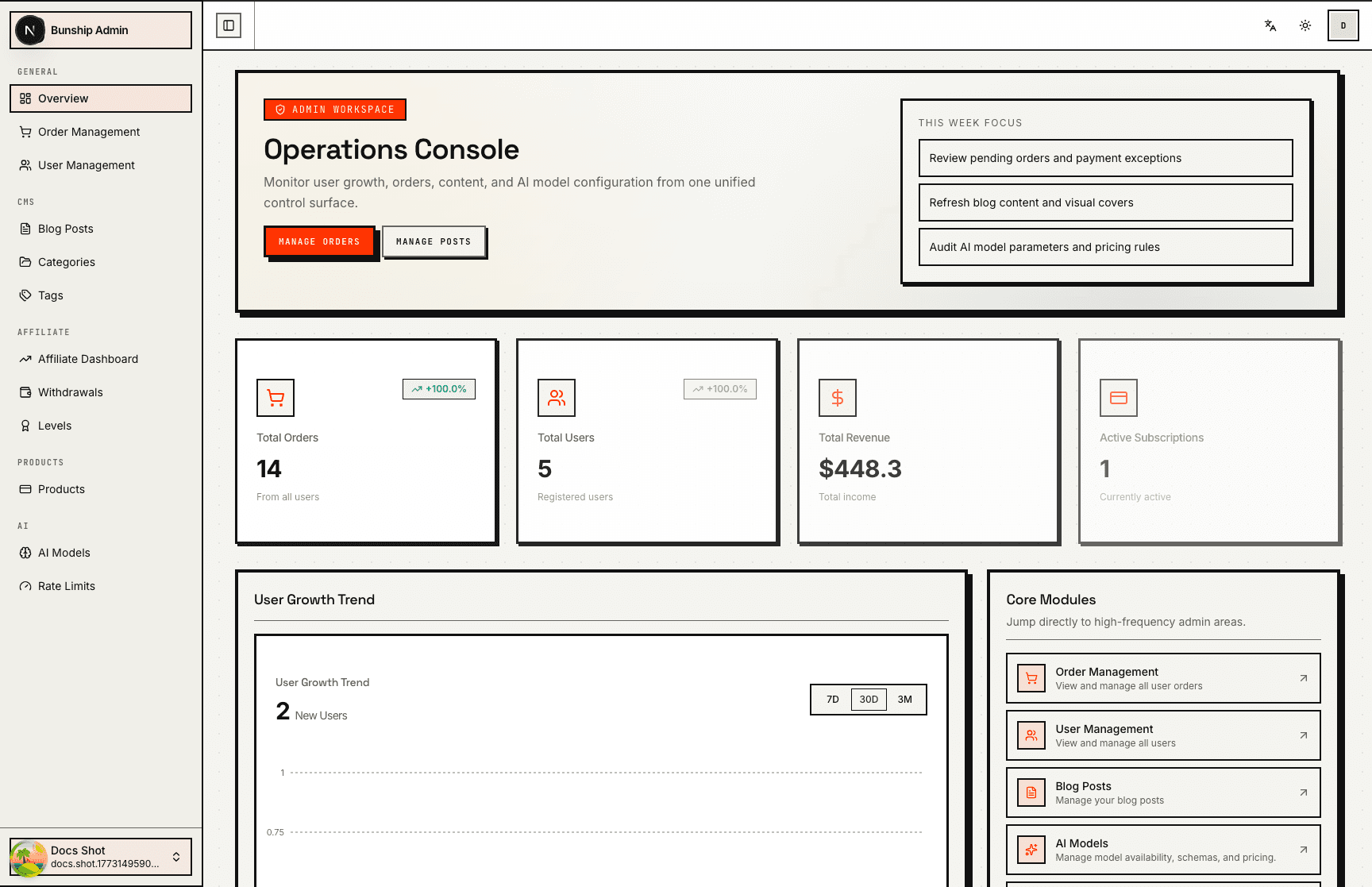
Included Admin Domains
- Dashboard stats: orders, users, revenue, growth
- Customers, orders, products, wallets
- Affiliate levels and withdrawal reviews
- AI model/rate-limit management
- CMS post/category/tag operations
Route Map
- Frontend admin pages:
apps/ship/src/app/[locale]/(admin)/admin/* - Admin API prefix:
/v1/admin/* - API assembly:
apps/ship-api/src/module/admin/index.ts
High-Value Modules
.../admin/users.../admin/orders.../admin/wallets.../admin/affiliate.../admin/ai-models.../admin/cms
What Buyers Should Do Before Launch
- Define admin role boundaries and account provisioning flow.
- Confirm manual wallet/withdrawal actions are auditable.
- Verify key dashboards match your business definitions.
- Add internal SOP for incident handling (billing, AI failures, refunds).
Operations Checklist
- All sensitive actions require authenticated admin access.
- Search/filter/pagination perform well on real data volume.
- Admin actions do not bypass ledger/invoice correctness.
- EN/ZH admin copy is ready for your team.